


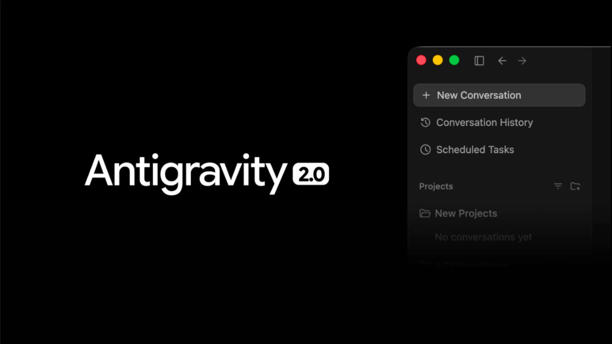
At Google IO 2026, the company launched its new version of agentic coding app, Google Antigravity 2.0 with an updated desktop app, a CLI tool and an SDK for custom workflows. The precursor was launched a year ago as a response to agentic coding software Cursor.
They made sure Antigravity CLI keeps the most critical features of Gemini CLI: Agent Skills, Hooks, Subagents, and Extensions (now as Antigravity plugins). Whether you use Gemini CLI to get quick, grounded answers, scaffold and build out a new coding project, or help provision your cloud infrastructure, you can still do all of that right in Antigravity CLI. The company maintained that with this app users can orchestrate multiple agents and execute tasks simultaneously.
What does Antigravity 2.0 do?
Faster execution: Built in Go, Antigravity CLI is snappier and more responsive.
Asynchronous workflows: Antigravity CLI orchestrates multiple agents for complex tasks in the background, letting you run large-scale refactors or research several topics without locking up your terminal session.
Unified architecture: Antigravity CLI shares the same agent harness as Antigravity 2.0, the new Antigravity desktop application, ensuring that all future improvements to core agents are automatically applied wherever you use them.
Alot of this is powered by the company’s new Gemini 3.5 Flash model which was co developed using Antigravity, officials added.
It is the company’s most direct response yet to Claude Code and OpenAI Codex, the two tools that have built strong followings among developers over the past year.
What’s more?
The popular search platform is also launching an Antigravity SDK for developers to build custom agents based on Google’s coding tool. The company will allow Google Cloud customers to connect to Antigravity to build projects.
For those worried about data export- Antigravity export tool caters to your demands. It helps export to AI Studio for developers to export their existing project and carry on the work locally.